




 Genuine commercial
 Official authorization
 Formal invoice
2 days(Holidays postponed)
Formal invoice
2 days(Holidays postponed)

Font description
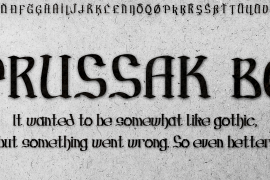
Johann Michael Fleischmann was born June 15th, 1707 in Wöhrd near Nuremberg. After attending Latinschool he started an apprenticeship as punchcutter in the crafts enterprise of Konstantin Hartwig in Nuremberg, which ought to last six years. For his extraordinary talent Fleischmann completed his apprenticeship after four and a half years, which was very unusual. 1727 his years of travel (very common in these days) began, during which he perfected his handcraft by working in different enterprises as journeyman. First location was Frankfurt/Main where he worked for nearly a year at the renowned type foundery of Luther and Egenolff. Passing Mainz he continued to Holland, where he arrived in November 1728 and stayed till he died in 1768. In Amsterdam he worked for several type founderies, among others some weeks for Izaak van der Putte; in The Hague for Hermanus Uytwerf. Between 1729 and 1732 he created several exquisite alphabets for Uytwerf, which were published under his own name (after his move to Holland Fleischmann abandoned the second n in his name), apparently following the stream of the time. After the two years with Uytwerf, Fleischmann returned to Amsterdam, where he established his own buiseness as punchcutter; following an advice of the bookkeeper and printer from Basel Rudolf Wetstein he opened his own type foundery 1732, which he sold in 1735 to Wetstein for financial reasons. In the following Fleischmann created several types and matrices exclusively for Wetstein. In 1743 after the type foundery was sold by Wetstein’s son Hendrik Floris to the upcoming enterprise of Izaak and Johannes Enschedé, Fleischmann worked as independent punchcutter mostly for this house in Haarlem. Recognizing his exceptional skills soon Fleischmann was consigned to cutting the difficult small-sized font types. The corresponding titling alphabets were mostly done by Jaques-Francois Rosart, who also cut the main part of the ornaments and borders used in the font examples of Enschedé. Fleischmann created for Enschedé numerous fonts. The font example published 1768 by Enschedé contains 3 titling alphabets, 16 antiquacuts, 14 italic cuts, 13 textura- and 2 scriptcuts, 2 greek typesets (upper cases and ligatures), 1 arabic, 1 malayan and 7 armenian font systems, 5 sets of musicnotes and the poliphonian musicnotesystem by Fleischmann. In total he brought into being about 100 alphabets - the fruits of fourty years of creative work as a punchcutter. Fleischmann died May 27th, 1768 at the age of 61. For a long time he was thought one of the leading punchcutters in Europe. A tragedy, that his creating fell into the turning of baroque to classicism. The following generations could not take much pleasure in his imaginative fonts, which were more connected to the sensuous baroque than to the bare rationalism of the upcoming industrialisation. Unfortunately therefore his masterpieces did not survive the 19th century and person and work of Fleischmann sank into oblivion. The impressive re-interpretation of the Fleischmann Antiqua and the corresponding italics by Erhard Kaiser from Leipzig, which were done for the Dutch Type Library from 1993 to 1997, snatched Fleischmann away from being forgotten by history. Therefore we want to place strong emphasis on this beautiful font. Fleischman Gotisch The other fonts by Fleischmann are only known to a small circle of connoisseurs and enthusiasts. So far they are not available in adequat quality for modern systems. Same applies the "Fleischman Gotisch", which has been made available cross platform to modern typeset-systems as CFF Open Type font through the presented sample. The Fleischman Gotisch has been proved to be one of the fonts, on which Fleischmann spent a good deal of his best effort; this font simply was near to his heart. Between 1744 and 1762 he created 13 different sizes of this font. All follow the same principles of forms, but their richness of details has been adapted to the particular sizes. In later times the font was modified more or less sensitive by various type founderies; letters were added, changed to current taste or replaced by others; so that nowadays a unique and binding mastercopy of this font is missing. Likewise the name of the font underwent several changes. Fleischmann himself probably never named his font, as he did with none of his fonts. By Enschedé this textura was named Nederduits, later on Nederduitsch. When the font was offered by the german type foundery Flinsch in Frankfurt/Main, the more convenient name of Fleischmann-Gotisch was chosen. In his "Masterbook of the font" and his "Abstract about the Et-character" Jan Tschichold refered to it as "Duyts" again. To honour the genious of Johann Michael Fleischmann we decided to name the writing "Fleischmann Gotisch PT" (unhyphenated). Developing the digital Fleischman Gotisch I decided not to use one of the thirteen sizes as binding mastercopy, but corresponding to the typical ductus of the font to re-create an independent use of forms strongly based on Fleischmann´s language of forms. All ascenders and descenders were standardised. Some characters, identified as added later on, were eliminated (especially the round lower case-R and several versions of longs- respectively f-ligatures) and others were adjusted to the principles of Fleischmann. Where indicated the diverse characters were integrated as alternative. They can be selected in the corresponding menu. All for the correct german black letter necessary longs and other ligatures were generated. Through the according integration into the feature-code about 85% of all ligatures in the type can be generated automatically. Problematic combinations (Fl, Fk, Fh, ll, lh, lk, lb) were created as ligatures and are likewise constructed automatically. A historically interesting letter is the "round r", which was already designated by Fleischmann; it is used after preceding round letters. Likewise interesting is the inventive form of the &-character, which is mentioned by Tschichold in his corresponding abstract. Nevertheless despite all interpretation it was very important to me to maintain the utmost fidelity to the original. With this digital version of a phantastic texturfont of the late baroque I hope to contribute to a blossoming of interest for this genious master of his kind: Johann Michel Fleischmann. OpenType features: - Unicode (ISO 10646-2) - contains 520 glyphes - Basic Latin - Latin-1 Supplement - Latin Extended-A - Latin Extended-B - Central European Glyhps - Ornaments - Fractions - Standard ligatures - Discretionary ligatures - Historical ligatures - Kerning-Table
License type
|
License name
|
License description
|
license agreement
|
|
|---|---|---|---|
|
Desktop(desktop)
|
Install the font on your Windows or macOS system; Use the font within desktop applications such as Photoshop, Illustrator, CorelDRAW, Word, etc. Create and print documents, as well as static images (.jpeg, .tiff, .png), even if the images are used on a website or within a mobile app.
|
||
|
Webfont(Webfonts)
|
Self hosted fonts for your website.
|
||
|
App(App)
|
If you’re making an app for iOS, Android, or Windows Phone.
|
Glyph display
Authorization process
Online whole process self-service authorization
Genuine commitment
This font is purchased by 福州字谷科技有限公司
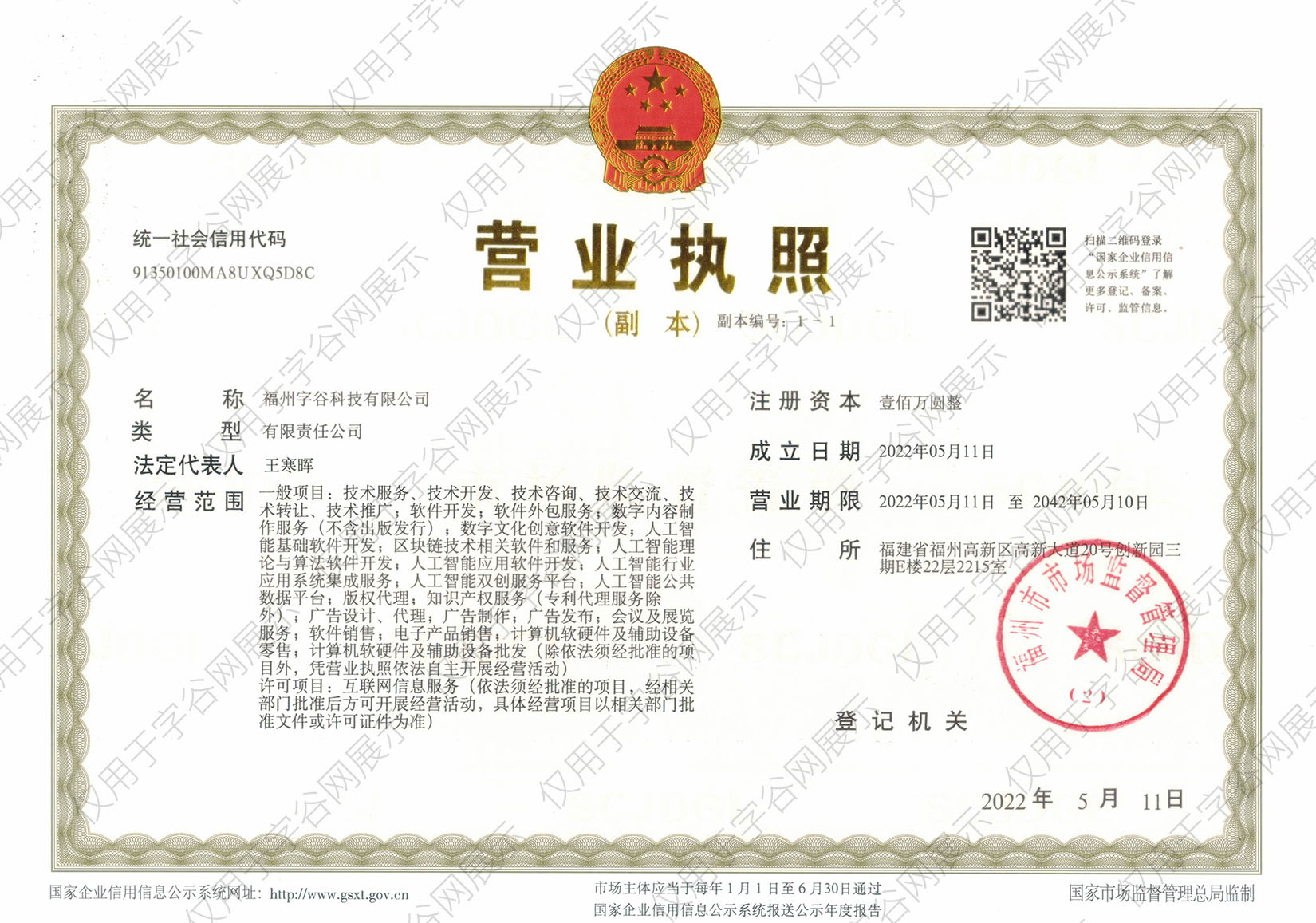
Proof
The official certificate of authorization can be viewed or downloaded in "personal Center - my order" (delivery within 2 working days after payment)
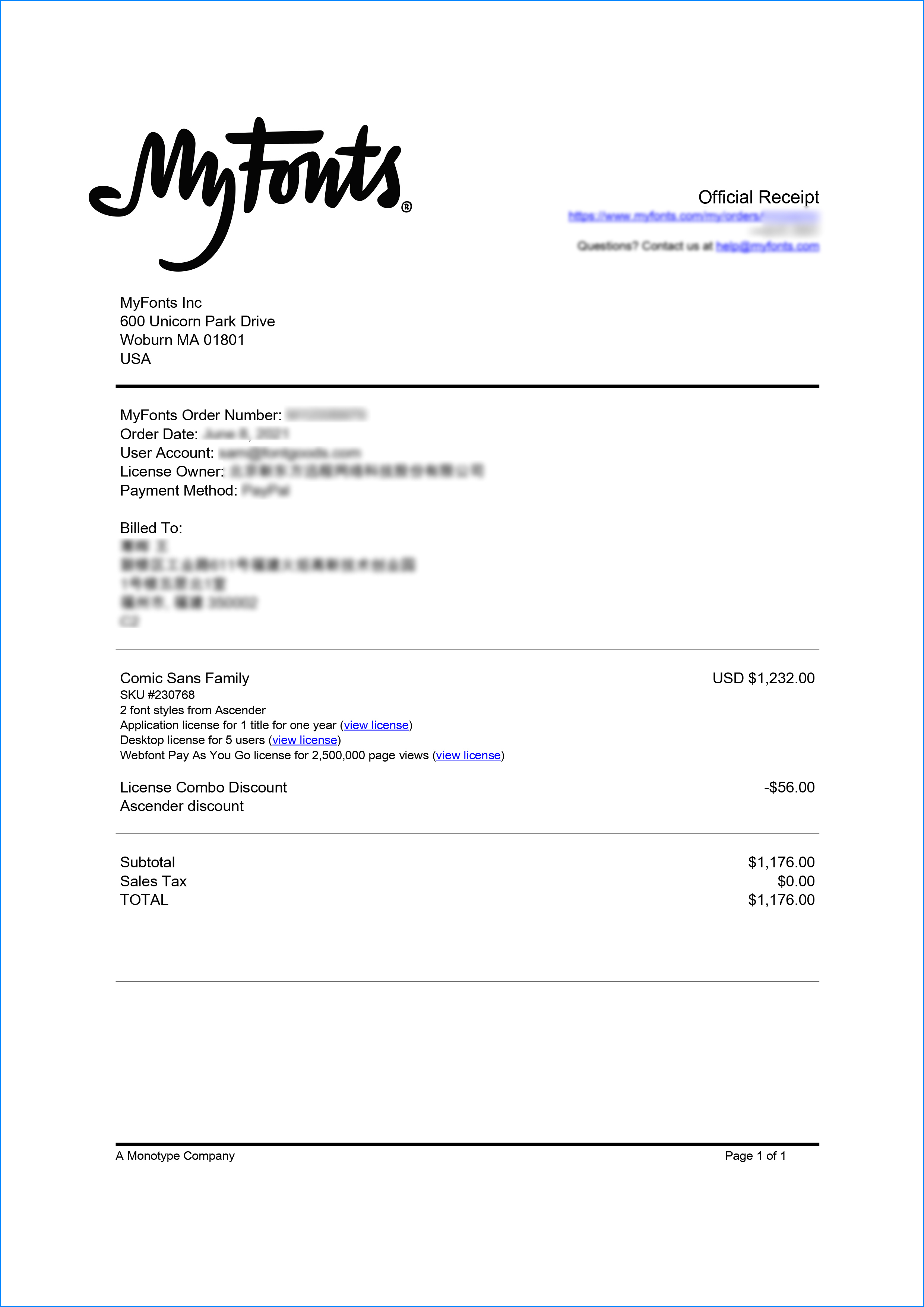
Formal invoice
Each order that generates actual payment can apply for issuing VAT invoice online.
a
m
p
l
e
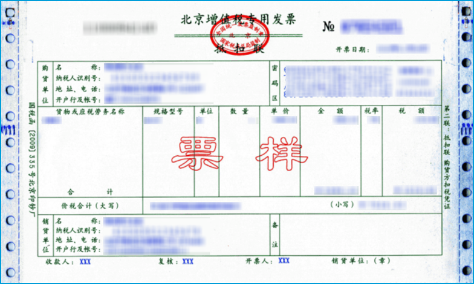
Invoicing process
1.Click "apply for invoicing" in the order list
2.Select or add your invoice header
3.Submit application
Invoice type
1. 增值税普通发票,税率:1%
2. 增值税专用发票,税率:1%
Invoice content: information technology service fee
注:电子发票发送到您的电子邮箱,电子票据与纸质票据具有同等法律效力。
Question
1.What should I do if the purchased goods have been taken down or there is currently no price available
The appearance of prompts such as "The purchasing party's product has been delisted", "There is currently no price", and "Updating price" on the purchasing agent's product page is due to a remote server reading failure. Please contact online customer service or WeChat customer service at 18610955775 for a detailed quotation
2.Common licensing methods for overseas fonts
Desktop License (Desktop)
"Desktop" refers to the computer, the desktop license allows you to install the fonts on your computer for offline design purposes, including the design of logos, posters, merchandise, magazines, etc. For example, the static images you design with fonts on your computer are allowed to be distributed at will (regardless of online or offline use); however, you cannot embed the fonts in any form. However, the font file cannot be embedded in your work in any form, that is to say, the font file cannot leave your computer, for example, it is not allowed to convert the font format and embed it in web pages or embed it in PPT and then distribute it; it should be noted that some copyright holders may additionally stipulate that the font is not allowed to be used for the design of LOGO and other specified purposes.
The license is usually licensed according to the number of users, the number of users refers to the number of computers that may have the font installed; the desktop license is generally valid for life, if there is a specified number of years our purchase page will be prompted; the works designed within the validity of the license can be used for life, but if you need to continue to use the font for design outside the validity of the license, you need to purchase a new license.
Webfont
As the name implies, webfont license is a kind of license that allows font files to be embedded into various web pages. Regardless of whether the font files are converted or not, and regardless of whether the font files are fully embedded or partially embedded, the license is required for any form of font files embedded into web pages.
Different copyright holders have different ways of selling web page licenses. In addition to the license period, they usually specify the total number of views or monthly views within the license period, you can choose to purchase according to your website needs.
Application License (App)
App license allows you to embed the font file into the APP you develop or operate, no matter it is game APP, education APP, music APP, any APP that embeds the font file needs to obtain the license.
Application license can be sold in various forms according to the license period, installed volume, APP quantity, etc.
E-book License (ePub)
The ePub license allows font files to be embedded in an electronic publication, but the font software cannot be installed in the operating system running the electronic publication.
This license can be sold in various forms such as license period, number of titles, total number of devices, and number of views.
Server License (Server)
The Server license allows you to install fonts on the licensed server in a way that they cannot be extracted, but not on any other computer or processing unit.
This license can be sold in various forms according to the license term, number of CPU cores, number of clients, etc.
Digital Ads License (Digital Ads)
The Digital Ads license allows you to access, download, and use the Web fonts provided in the Web Font Kit to create digital ads, but only for the purpose of publishing digital ads on the output device.
The license can be sold in a variety of formats based on license duration, number of releases, number of exposures, etc.
Translated with www.DeepL.com/Translator (free version)
3.When does the authorization of a substitute order take effect?
After you complete the payment, the service provider will procure the relevant authorization for you in the first time, and the authorization process will usually be completed within 24 hours. After the procurement is completed, you can view the authorization voucher in the order details and download the font file or apply for invoicing.
4.Advertising agency for the client design work by who to buy font license
Usually the "licensee" of font software license should be the end-user of the design solution, so the owner of the design solution must obtain the relevant authorization of the font used, and some authorization methods (such as desktop license) specify the number of terminals to be used, so all computers using the font for design or modification of the solution need to obtain authorization.
5.How to help customers buy licenses
You can select or add "Licensee" information when you submit your order, and fill in your customer information in the "Licensee" form.
6.How to install fonts
Windows system: Copy the font file directly to C:/Windows/Fonts, or right-click the font file and select "Install"; Mac system: Double-click the font file - click Install, or open "Applications "-"Font Book", drag the fonts into it.
7.How to find the font in PS and other software after installation
Due to the operating system or software version, if you can't find the installed font in the software, we suggest you restart the system first, the font may be shown in the list as Chinese or English name, please look for it carefully, as long as the font is installed successfully, the font must exist in the font list.
8.What to do if there is a risk warning during the payment process
When using WeChat, Alipay and other third-party payment tools to make large payment, risk prompts may be triggered. Please operate according to the following methods. You can also pay large orders through corporate transfer<





 京公网安备11010802038756号