



 Genuine commercial
 Official authorization
 Formal invoice
3 working days
Formal invoice
3 working days 
Font description
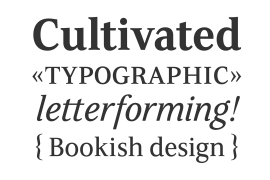
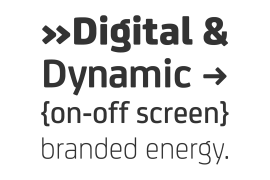
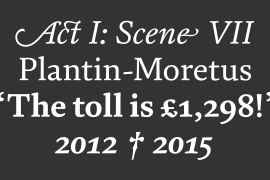
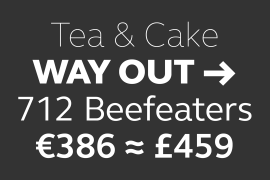
Quorthon is a collection of blackletter style fonts in 3 distinct voices – Black, Dark, and Grey. Each style has a more contemporary feel than the centuries-old blackletter standard, the capitals in particular were drawn to aid legibility in today’s world rather than to follow tradition. All the fonts contain a number of alternates that will help you embellish your typography – when used subtly, they can add flair to your titles and logo designs. BLACK is the most severe of the three styles, its lowercase forms were inspired by text I discovered on a marble tomb in a remote countryside church in England. The aggressive barbs and spurs give these fonts an imposing stature, ideal for branding, advertising and logotype, where a forceful message is required. DARK is a little more subtle, while retaining a barbed style, more contemporary serifs are present. The highly-contrasted, calligraphic glyphs are full of character and subtle nuances that give these fonts a unique personality. Again, these fonts are perfect for branding, advertising and logotype designs... and maybe even a tattoo? GREY is the softest of all the Quorthon styles, its minimal design and clean, straight lines make it ideal for creating stunning titles and headlines. It evokes the past with its blackletter pedigree, yet is imbued with a modern architectural influence. Key Features: • 15 font family – 5 weights across 3 styles • 17 Alternates in each font • Western European Language Support (Latin only) • 250+ glyphs per font.
License type
|
License name
|
License description
|
license agreement
|
|
|---|---|---|---|
|
Desktop
|
桌面授权
|
Authorization process
Offline authorization
Official authorization
All fonts in our store are authorized by Monotype to be sold on behalf of www.fontgoods.com
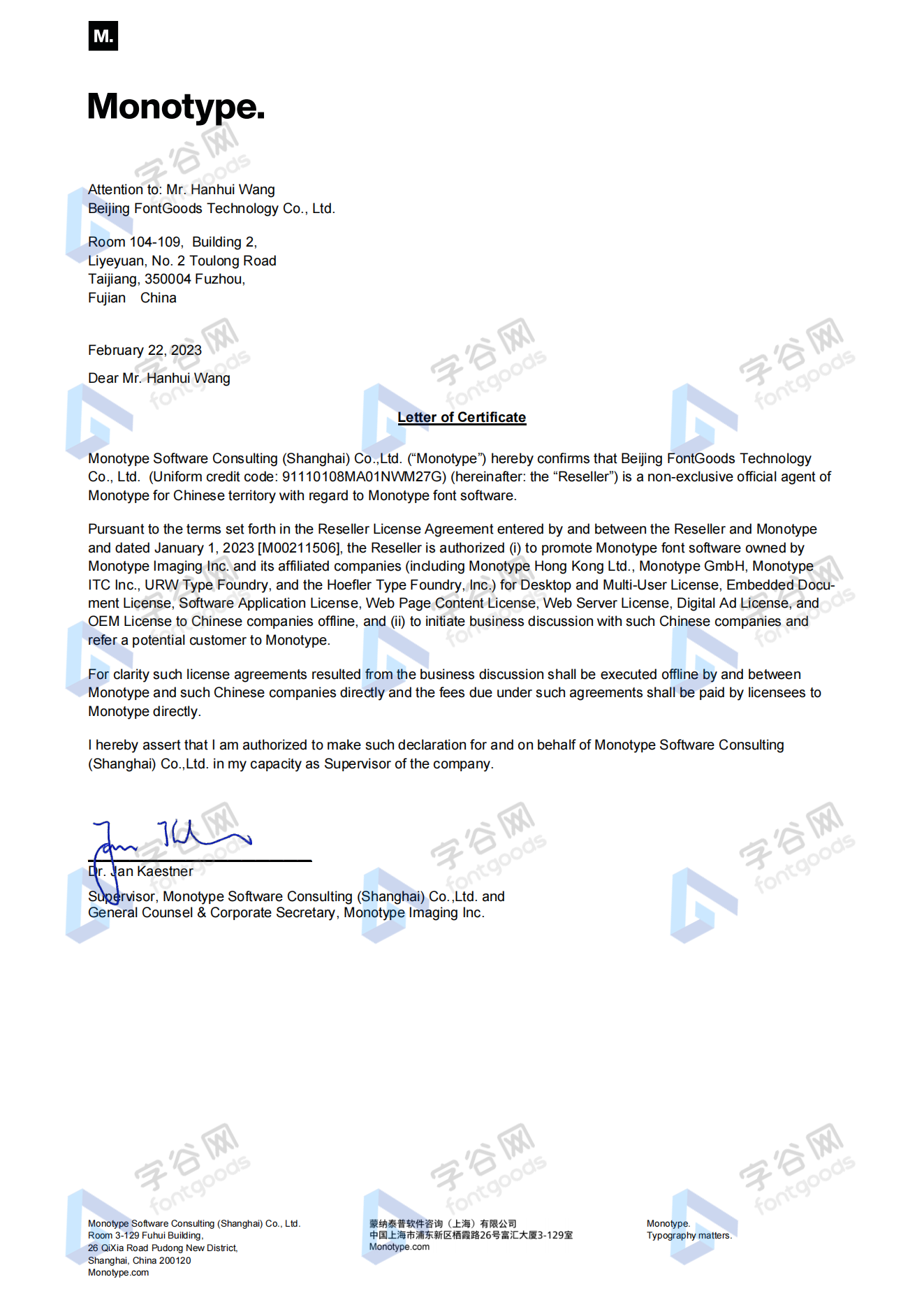
Proof
Monotype官方出具授权证明
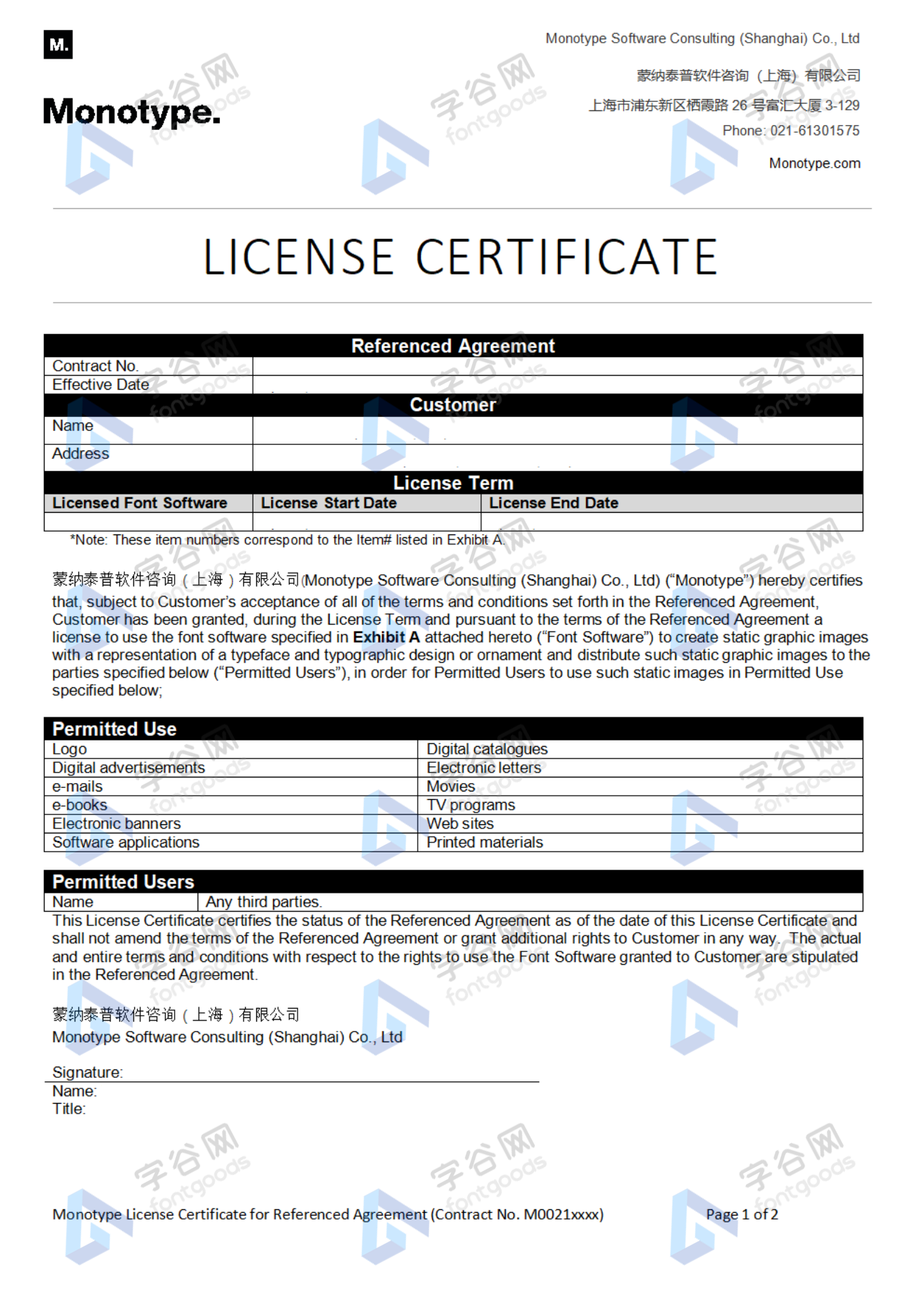
Formal invoice
Each order that generates actual payment can apply for issuing VAT invoice online.
a
m
p
l
e
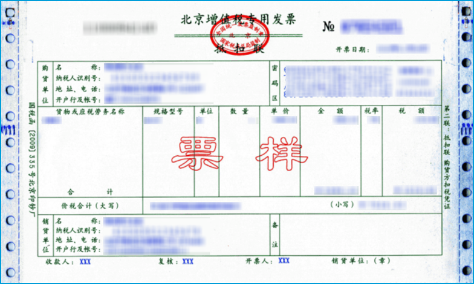
Invoicing process
1.Click "apply for invoicing" in the order list
2.Select or add your invoice header
3.Submit application
Invoice type
1. 增值税普通发票,税率:6%
2. 增值税专用发票,税率:6%
Invoice content: information technology service fee
注:电子发票发送到您的电子邮箱,电子票据与纸质票据具有同等法律效力。
Question
1.Advertising agency for the client design work by who to buy font license
Usually the "licensee" of font software license should be the end-user of the design solution, so the owner of the design solution must obtain the relevant authorization of the font used, and some authorization methods (such as desktop license) specify the number of terminals to be used, so all computers using the font for design or modification of the solution need to obtain authorization.
2.How to help customers buy licenses
You can select or add "Licensee" information when you submit your order, and fill in your customer information in the "Licensee" form.
3.How to install fonts
Windows system: Copy the font file directly to C:/Windows/Fonts, or right-click the font file and select "Install"; Mac system: Double-click the font file - click Install, or open "Applications "-"Font Book", drag the fonts into it.
4.How to find the font in PS and other software after installation
Due to the operating system or software version, if you can't find the installed font in the software, we suggest you restart the system first, the font may be shown in the list as Chinese or English name, please look for it carefully, as long as the font is installed successfully, the font must exist in the font list.
5.What to do if there is a risk warning during the payment process
When using WeChat, Alipay and other third-party payment tools to make large payment, risk prompts may be triggered. Please operate according to the following methods. You can also pay large orders through corporate transfer<



- geometric
- irish
- blackletter
- display
- lettering
- commercial
- calligraphic
- calligraphy
- legible
- clean
- black
- tattoo
- headline
- logo
- magazine
- contemporary
- editorial
- corporate
- alternates
- stylish
- unusual
- advertising
- quirky
- versatile
- black letter
- titling
- metal
- black metal
- heavy metal
- stylistic sets
- logotype
- dark
- style
- webfonts
- multi-weights
- grey
- quorthon
- old english
- gothic script
- heading
- decorative
- Branding


 京公网安备11010802038756号