


 Genuine commercial
 Official authorization
 Formal invoice
3 working days
Formal invoice
3 working days 
Font description
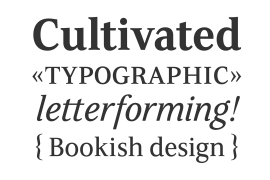
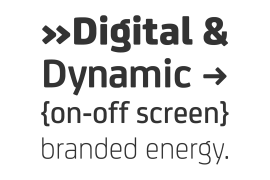
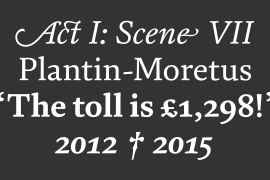
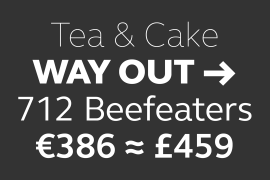
Compatil is the first comprehensive type system which enables all typographical elements to be used to full effect in order to reproduce the message conveyed by text information. Four different type styles with a total of 16 weights including italics have been merged into a unique typographical network. There are now no limits to the font user's creativity. The system is a product of technical innovation and constitutes a new design approach which meets the highest aesthetic standards. For almost two years, a team of experts from Linotype has been working with initiator Professor Olaf Leu under the direction of Silja Bilz, Erik Faulhaber and Reinhard Haus to create the Compatil type system. Despite the Internet and TV, it is essential today to be able to absorb information quickly by being able to read it with ease. A fact that is becoming increasingly important both on-screen and on paper. It is the role of the font to increase legibility and to ensure typographically perfect results for text design work. The new Compatil type system meets all these needs. The Compatil is a part of the
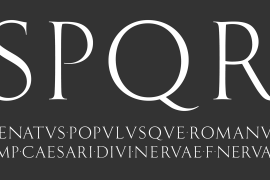
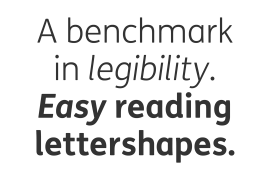
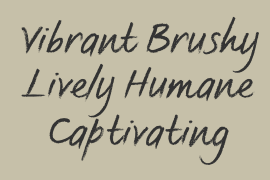
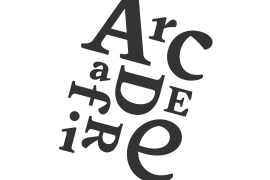
The following four different styles are available:
Compatil is available in various font formats:
16 separate OT Pro fonts including the small caps and Adobe Central European character set for OpenType-supporting applications like Adobe InDesign, or as
32 separate OpenType Com fonts for office communication, with the following special features:
1. Optimized display capabilities for computer screens eXcellent Screen Fonts (XSF-quality).
2. An extended, international character set, which supports 48 different languages for Microsoft Office applications like MS Word or as
64 PostScript fonts, which can be used in non-OpenType-supporting applications like Quark XPress.
License type
|
Purpose
|
Description of use
|
Desktop
|
|
|---|---|---|---|
|
Logo design
|
Trademark design words (including: logo, trademark, registered trademark, etc. of the enterprise or product)
|
1个品牌/产品线
|
|
|
Slogan design
|
Words used in Slogan Design (including slogans, slogans, advertising slogans, etc. of enterprises or products)
|
1个品牌/产品线
|
|
|
VI design
|
VI design words (including standard words, guide manuals, enterprise manuals, etc., excluding trademark design and Slogan Design)
|
1个品牌/产品线
|
|
|
Brochure design
|
Words used in brochure design (including: brochures, building books, instructions, etc.)
|
1个品牌/产品线
|
|
|
Package Design
|
Words for physical packaging design (including: food, daily necessities, office stationery, hardware and electrical equipment, computer digital, CD surface, etc.)
|
1个品牌/产品线
|
|
|
poster design
|
Poster design words (including: elabo, background board, poster spray painting, promotional single page, etc.)
|
1个品牌/产品线
|
|
|
office design
|
Words for office document design (including PPT, work report, business proposal, planning, etc., excluding electronic publication embedding)
|
1个品牌/产品线
|
|
|
Application design
|
Application design words (including UI, illustrations, advertisements, etc., excluding application embedding)
|
1个品牌/产品线
|
|
|
Website design
|
Words for website, H5 application or applet design (including UI, illustrations, advertisements, etc., excluding web page embedding)
|
1个品牌/产品线
|
|
|
Online store design
|
Design words for third-party e-commerce online stores (including: Taobao, tmall, jd.com, pinduoduo, Amazon, eBay, Shopify, etc.)
|
1个品牌/产品线
|
|
|
self-media design
|
We media design words (including: Weibo, wechat, official account, headline, Tiktok, Kwai, Facebook, twitter, etc.)
|
1个品牌/产品线
|
|
|
出版物设计
|
出版物设计用字(包括:图书、配套手册、音像制品、内部刊物等,不包括:电子出版物嵌入)
|
1个品牌/产品线
|
|
|
连续出版物设计
|
连续出版物设计用字(包括:报纸、杂志、学会会刊、年度报告等,不包括:电子出版物嵌入)
|
1个品牌/产品线
|
|
|
影视作品设计
|
影视作品设计用字(包括:电影、电视剧、专题节目、滚动式影视节目等,不包括:影视广告)
|
1个品牌/产品线
|
|
|
Outdoor advertising design
|
Outdoor advertising design words (including: light box advertising, body advertising, building advertising, column advertising, platform advertising, etc.)
|
1个品牌/产品线
|
|
|
Print advertising design
|
Words used in print advertising design (including newspaper advertisements, magazine advertisements, etc.)
|
1个品牌/产品线
|
|
|
Film and television advertising design
|
Words used in the design of film and television advertisements (including: TV advertisements, film advertisements, short video advertisements, promotional films, etc., excluding: film and television works)
|
1个品牌/产品线
|
|
|
Online advertising design
|
Third party network platform design words (including Baidu, Sogou, 360, Toutiao, Taobao, Google, Bing, etc.)
|
1个品牌/产品线
|
|
|
Resale Design
|
Words for resale design (including: calligraphy, mobile phone case, greeting card, postcard, calendar, cup, T-shirt, etc.)
|
1个品牌/产品线
|
Authorization process
Offline authorization
Official authorization
All fonts in our store are authorized by Monotype to be sold on behalf of www.fontgoods.com
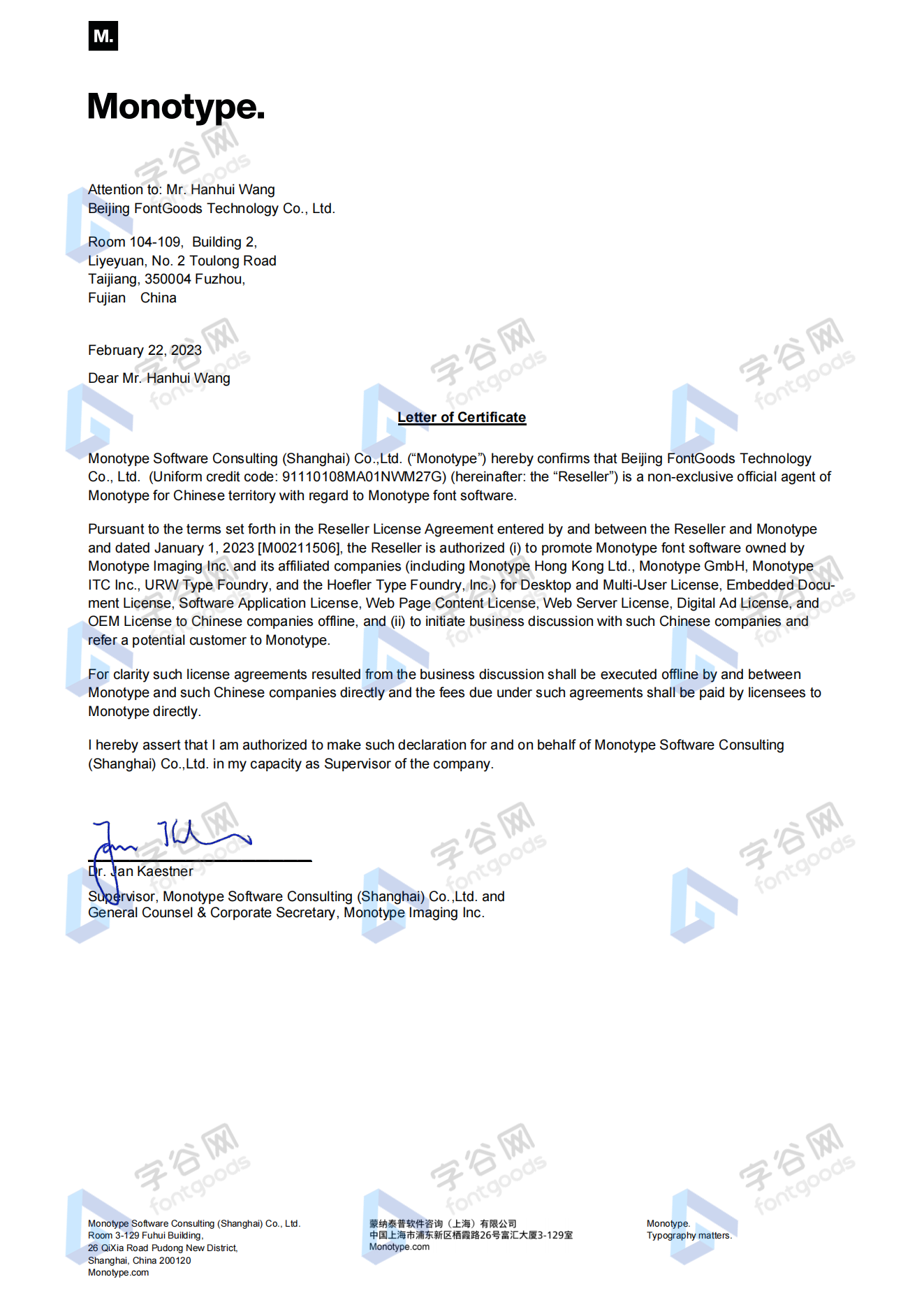
Proof
Monotype官方出具授权证明
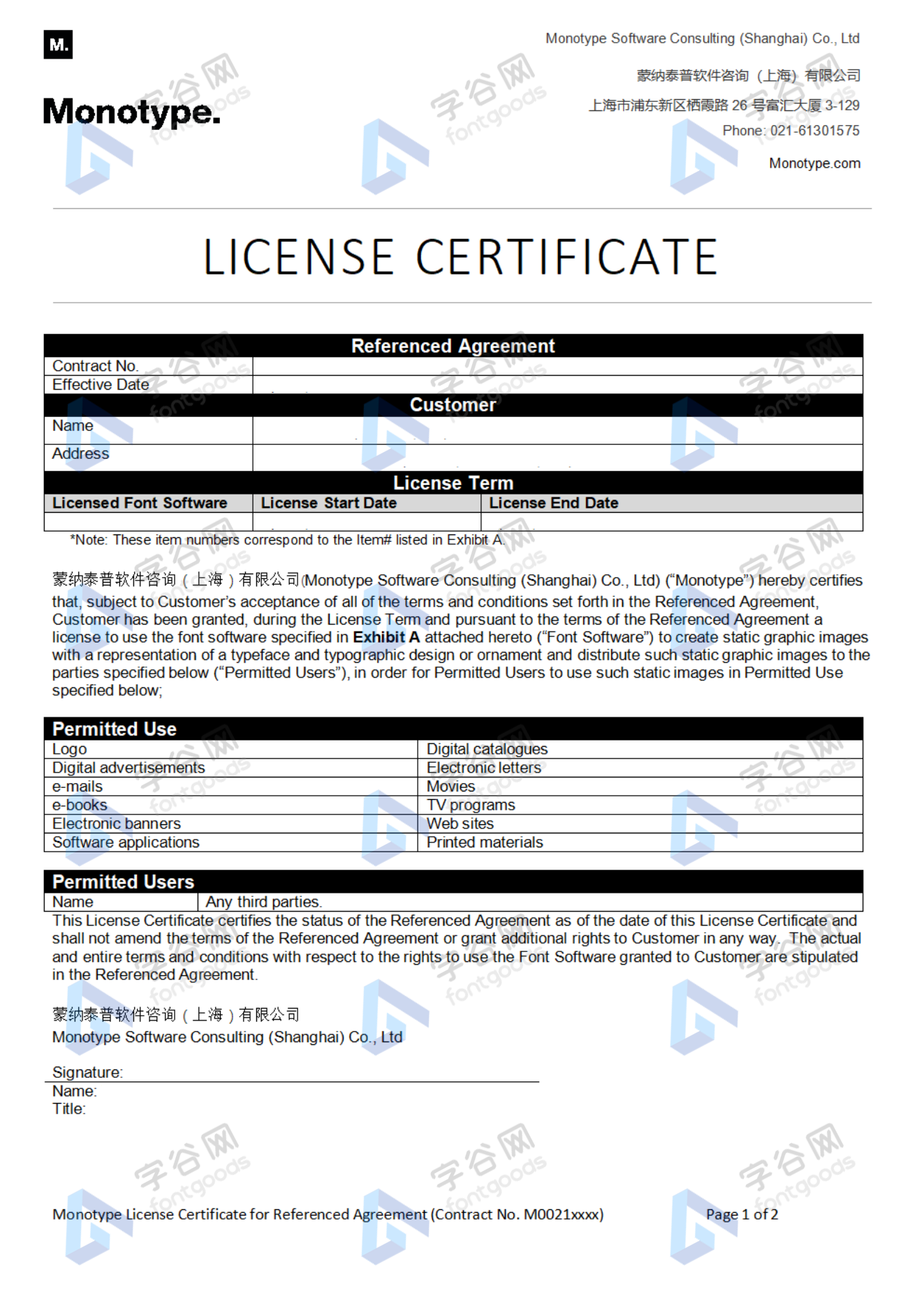
Formal invoice
Each order that generates actual payment can apply for issuing VAT invoice online.
a
m
p
l
e
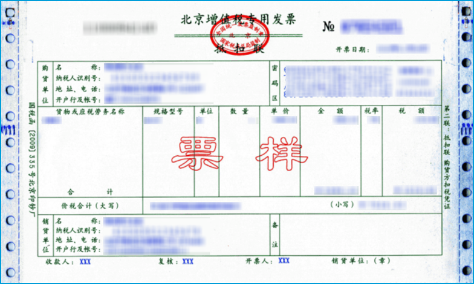
Invoicing process
1.Click "apply for invoicing" in the order list
2.Select or add your invoice header
3.Submit application
Invoice type
1. Electronic VAT common invoice tax rate:6%
2. 电子增值税专用发票,税率:6%
Invoice content: information technology service fee
注:电子发票发送到您的电子邮箱,电子票据与纸质票据具有同等法律效力。
Question
1.Advertising agency for the client design work by who to buy font license
Usually the "licensee" of font software license should be the end-user of the design solution, so the owner of the design solution must obtain the relevant authorization of the font used, and some authorization methods (such as desktop license) specify the number of terminals to be used, so all computers using the font for design or modification of the solution need to obtain authorization.
2.How to help customers buy licenses
You can select or add "Licensee" information when you submit your order, and fill in your customer information in the "Licensee" form.
3.How to install fonts
Windows system: Copy the font file directly to C:/Windows/Fonts, or right-click the font file and select "Install"; Mac system: Double-click the font file - click Install, or open "Applications "-"Font Book", drag the fonts into it.
4.How to find the font in PS and other software after installation
Due to the operating system or software version, if you can't find the installed font in the software, we suggest you restart the system first, the font may be shown in the list as Chinese or English name, please look for it carefully, as long as the font is installed successfully, the font must exist in the font list.
5.What to do if there is a risk warning during the payment process
When using WeChat, Alipay and other third-party payment tools to make large payment, risk prompts may be triggered. Please operate according to the following methods. You can also pay large orders through corporate transfer<









 京公网安备11010802038756号