


 Genuine commercial
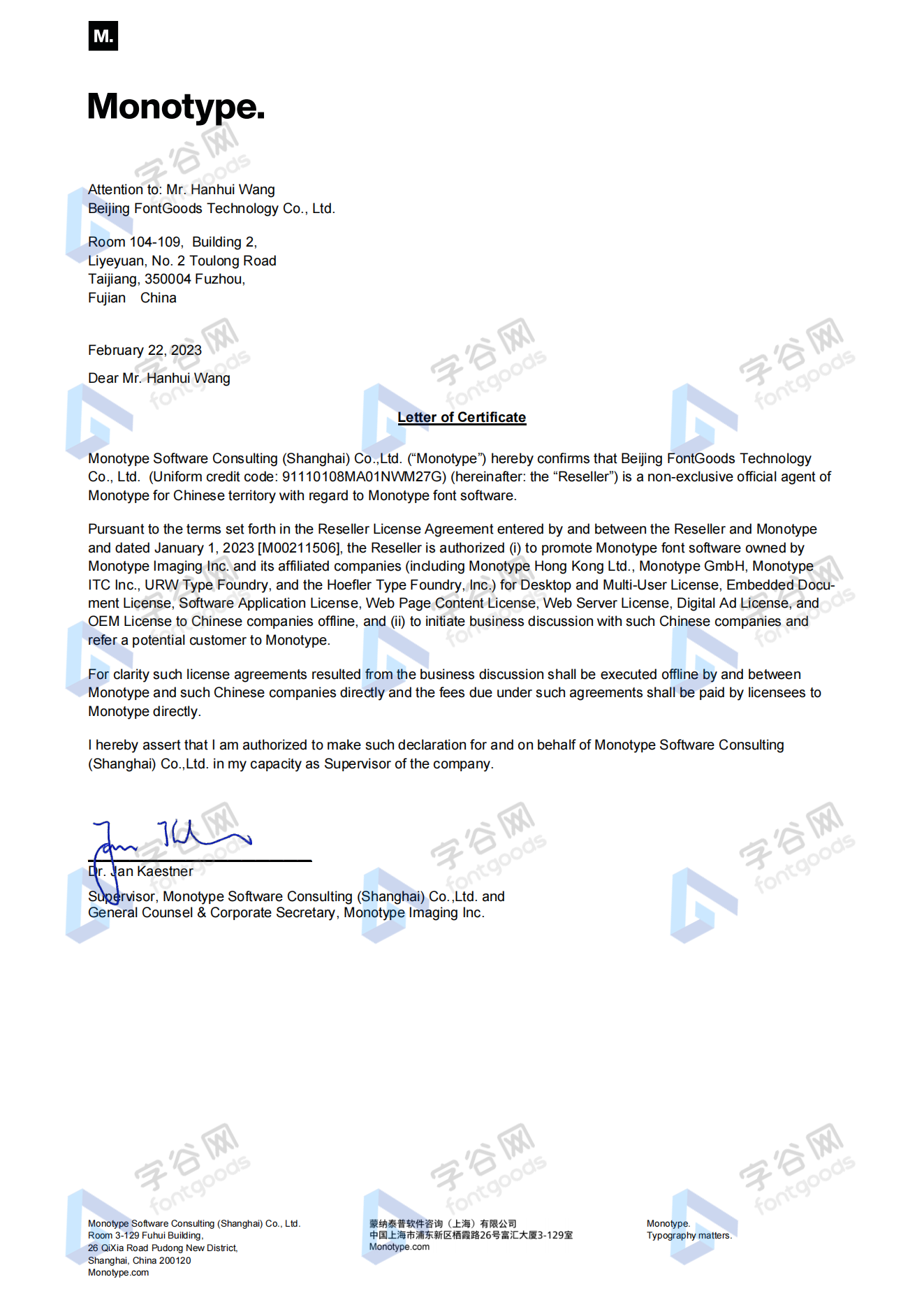
 Official authorization
 Formal invoice
3 working days
Formal invoice
3 working days 
Font description
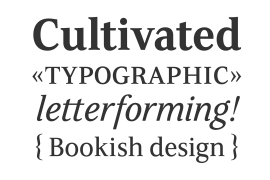
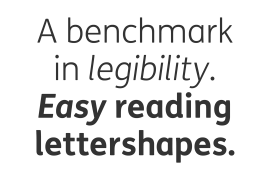
Mantika Book expands the Mantika super family: a contemporary serif font with a soft, yet robust character and a classic lookMantika Book, an Antiqua, is the third member of the Mantika super family, which consists of the Mantika Sans and Mantika Informal. Designer Jürgen Weltin has gone back to the roots of his font, which he had originally derived from a Renaissance Antiqua.
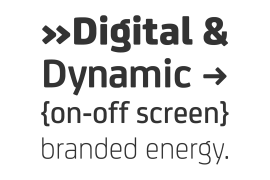
These origins are recognizable in the first member of the Mantika family, Mantika Sans, in the form of carefully suggested line use and a contrast in the weights that recalls the Antiqua. This solid sans serif, optimized for use in text, also has a particularly energetic and dynamically designed italic.
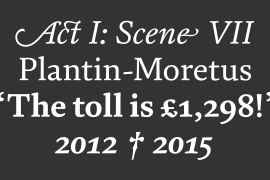
Mantika Informal also brings to mind a cursive font at first glance; ultimately, however, it is not easily categorized. Its light, organic shapes combine the informally flowing style of cursive handwriting with the open and airy form and contrast of a humanist sans serif.
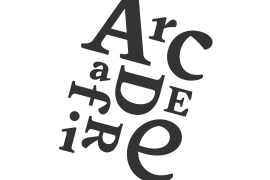
The shapes in the serif Mantika Book are also based on the Renaissance Antiqua, just like the other members of the Mantika super family. However, the contrast in the weights is somewhat stronger than is conventional for this genre, and the serifs are characteristically asymmetrical, with slanted ends. Lightly grooved stems with an implied curvature in the lower-case letters as well as dots whose shape flirts with a fountain pen lend the Mantika Book a dynamic and particularly friendly character. Details like the open "g" or the contoured foot of the "k" emphasize this dynamism. The letters of Mantika Book have the same large x-height as the other members of the super family, but are equipped with somewhat longer ascenders and descenders.
License type
|
License name
|
License description
|
license agreement
|
|
|---|---|---|---|
|
Desktop
|
桌面授权
|
Authorization process
Offline authorization
Official authorization
All fonts in our store are authorized by Monotype to be sold on behalf of www.fontgoods.com
Proof
Monotype官方出具授权证明
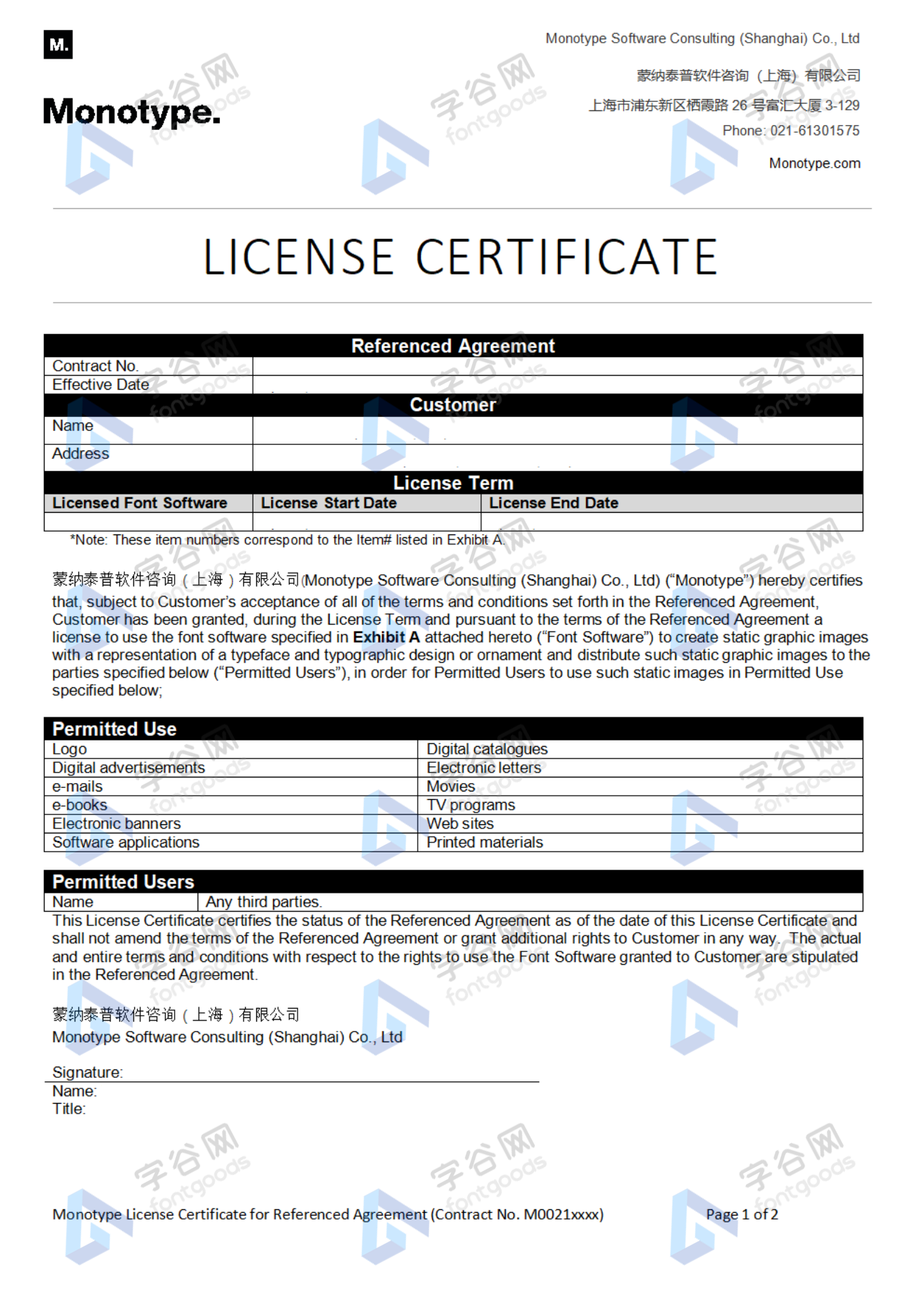
Formal invoice
Each order that generates actual payment can apply for issuing VAT invoice online.
a
m
p
l
e
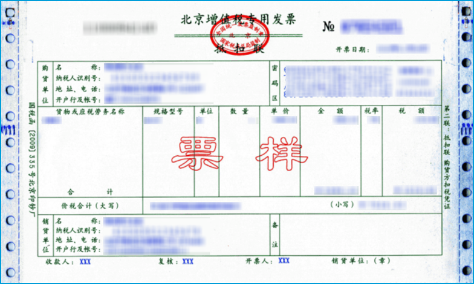
Invoicing process
1.Click "apply for invoicing" in the order list
2.Select or add your invoice header
3.Submit application
Invoice type
1. 增值税普通发票,税率:6%
2. 增值税专用发票,税率:6%
Invoice content: information technology service fee
注:电子发票发送到您的电子邮箱,电子票据与纸质票据具有同等法律效力。
Question
1.Advertising agency for the client design work by who to buy font license
Usually the "licensee" of font software license should be the end-user of the design solution, so the owner of the design solution must obtain the relevant authorization of the font used, and some authorization methods (such as desktop license) specify the number of terminals to be used, so all computers using the font for design or modification of the solution need to obtain authorization.
2.How to help customers buy licenses
You can select or add "Licensee" information when you submit your order, and fill in your customer information in the "Licensee" form.
3.How to install fonts
Windows system: Copy the font file directly to C:/Windows/Fonts, or right-click the font file and select "Install"; Mac system: Double-click the font file - click Install, or open "Applications "-"Font Book", drag the fonts into it.
4.How to find the font in PS and other software after installation
Due to the operating system or software version, if you can't find the installed font in the software, we suggest you restart the system first, the font may be shown in the list as Chinese or English name, please look for it carefully, as long as the font is installed successfully, the font must exist in the font list.
5.What to do if there is a risk warning during the payment process
When using WeChat, Alipay and other third-party payment tools to make large payment, risk prompts may be triggered. Please operate according to the following methods. You can also pay large orders through corporate transfer<












 京公网安备11010802038756号